
Sharing is always appreciated ❤️ Add a link to your source —
Copy
The Essentials: A Real-Time Retro Camera
Discover our exclusive browser-based video and photo tool. Whether you want to have fun with your webcam or transform your own files, this application instantly applies a pixelated style inspired by vintage video games and old-school cathode-ray tube (CRT) monitors. It is the perfect online tool to make the pixels of a video or make the pixels of a photo pop with authentic retro grain.
Key Features
👾 High-Fidelity Retro Filters
- Normal: Your classic, crisp webcam stream without any added effects.
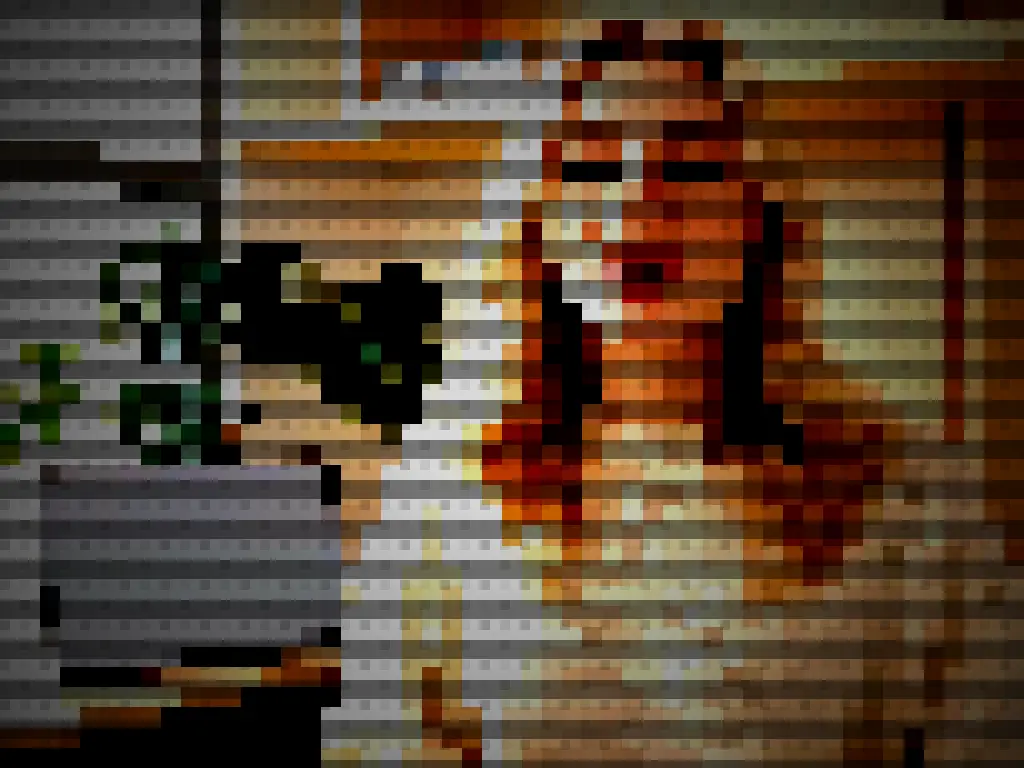
- Pixel 16: Dive straight into late-90s 3D gaming aesthetics with blocky pixels and that signature sharp, angular rendering.
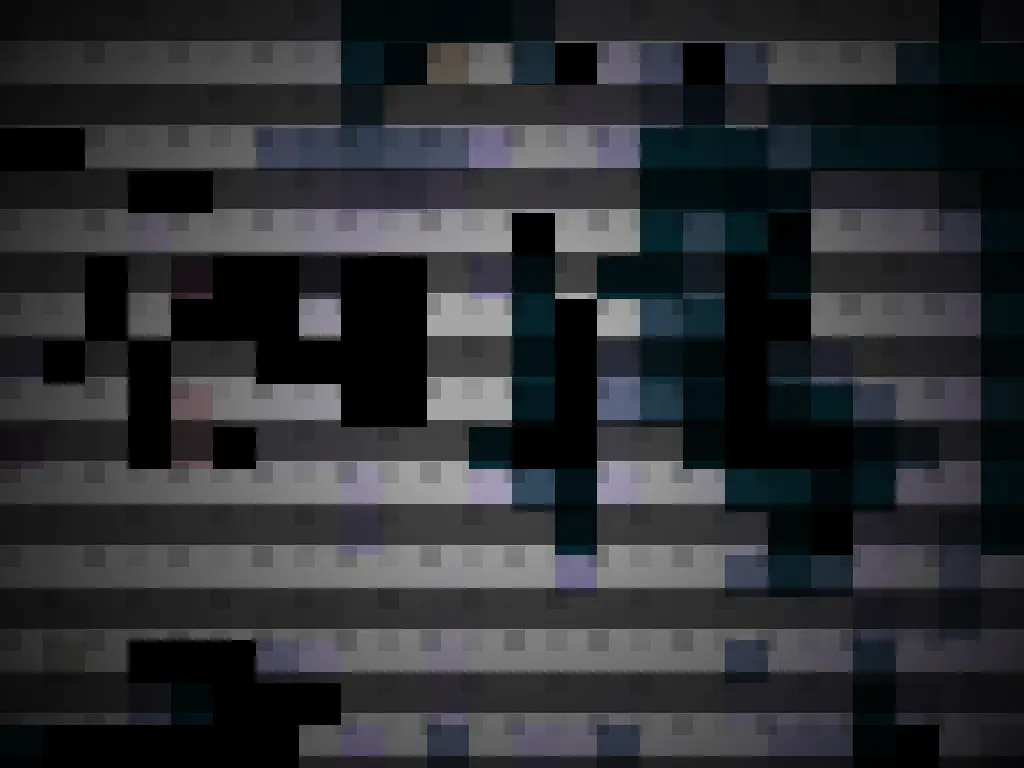
- Pixel Noir (Tomb): An ultra-contrast, dark, and moody look. It delivers a raw, nostalgic atmosphere reminiscent of early low-poly adventure games.
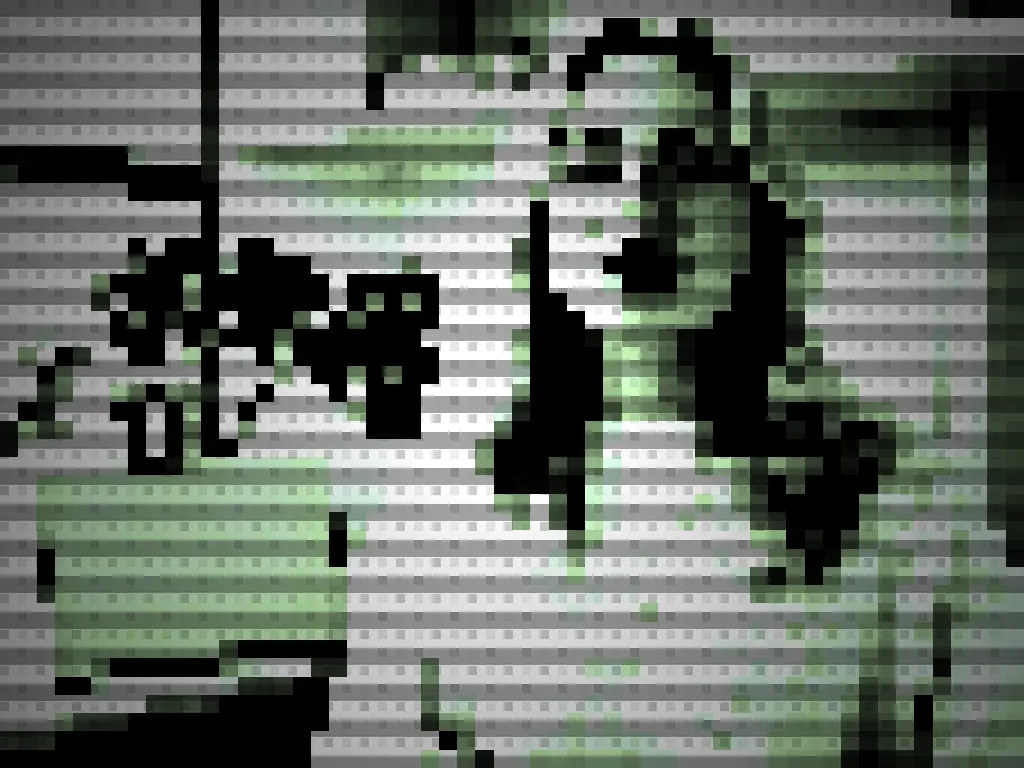
- Pixel Vert (Gameboy): Recreate the iconic monochrome green-and-yellow palette of the legendary classic handheld console.
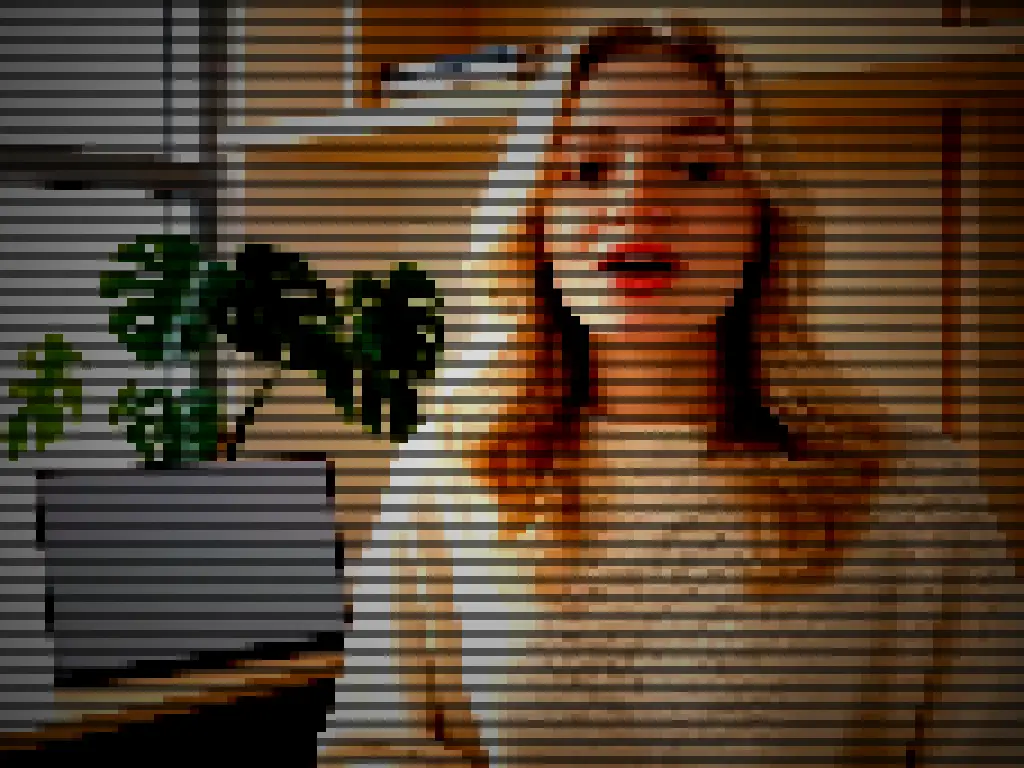
- Pixel TV (CRT): Simulate the authentic feel of a vintage tube television, complete with distinct horizontal scanlines.
📐 Full Aspect Ratio Control
Adapt your canvas with a single click to match any platform format:
- Square and vertical formats (1:1 and 9:16) designed perfectly for your social media content, Reels, Shorts, or TikTok.
- Traditional landscape formats (16:9 and 4:3) for that cinematic or genuine retro-gaming display look.
🎥 Live Video Recording & Photo Capture
- Record in Real-Time: A 3-second countdown gives you time to get ready before the video recording starts (complete with audio mixing for your microphone). You can pause, resume, and stop anytime to download your clip.
- Snap a Picture: When you aren’t recording, simply click the download button to capture a high-quality PNG photo of your current screen instantly.
- Upload Your Own Media: Don’t want to use your live camera? Drag-and-drop or upload an existing image or video from your device to apply the pixel effects online seamlessly.
Designed for a Seamless User Experience
- Clean UI Toggle: Click the gear icon (⚙️ / ✕) to instantly hide the controls and enjoy your visual content in full screen.
- Camera Flip: Switch your point of view effortlessly with the flip button (ideal on mobile devices to toggle between front and rear cameras).
No installation or plugins required—everything processes securely and instantly within your web browser!